How to change the payment method for the subscriptions
Arata Tamura
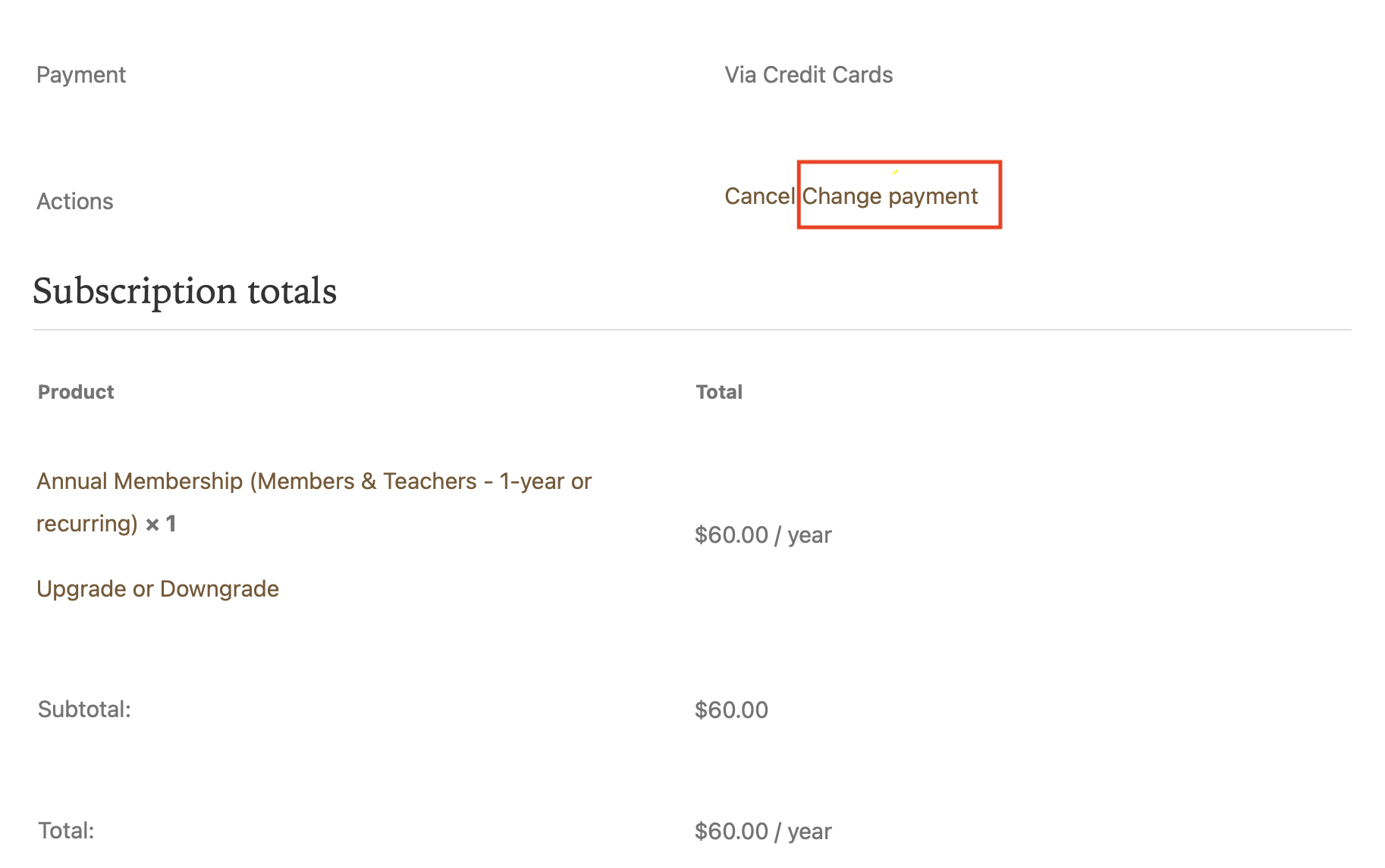
- Go to My Account > Subscriptions > Click "View" of the subscription for which you want to update the payment method.
- Click "Change Payment" *It may appear as "Resubscribe" if you cancelled previously
- Enter a new payment method. You can also check on "Use this payment method for all of my current subscriptions."
- Click "Change payment method."
Have more questions?
Submit a request

0 Comments